


Retrobit™ H Model (RG35XX-H)
$174.99$269.0935% off
Color: Black
Bundle: 64G 128G(8K Games)
Quantity
Product Description
Nostalgic Gaming on the go, Anywhere, Anytime!
smart_toy
5,000 + Available Games
Dive into ultimate gaming collection - every retro hit you can think of is here. Can't find a game you love? Don't worry, you can add it yourself!
battery_charging_full
All-Day Battery Life
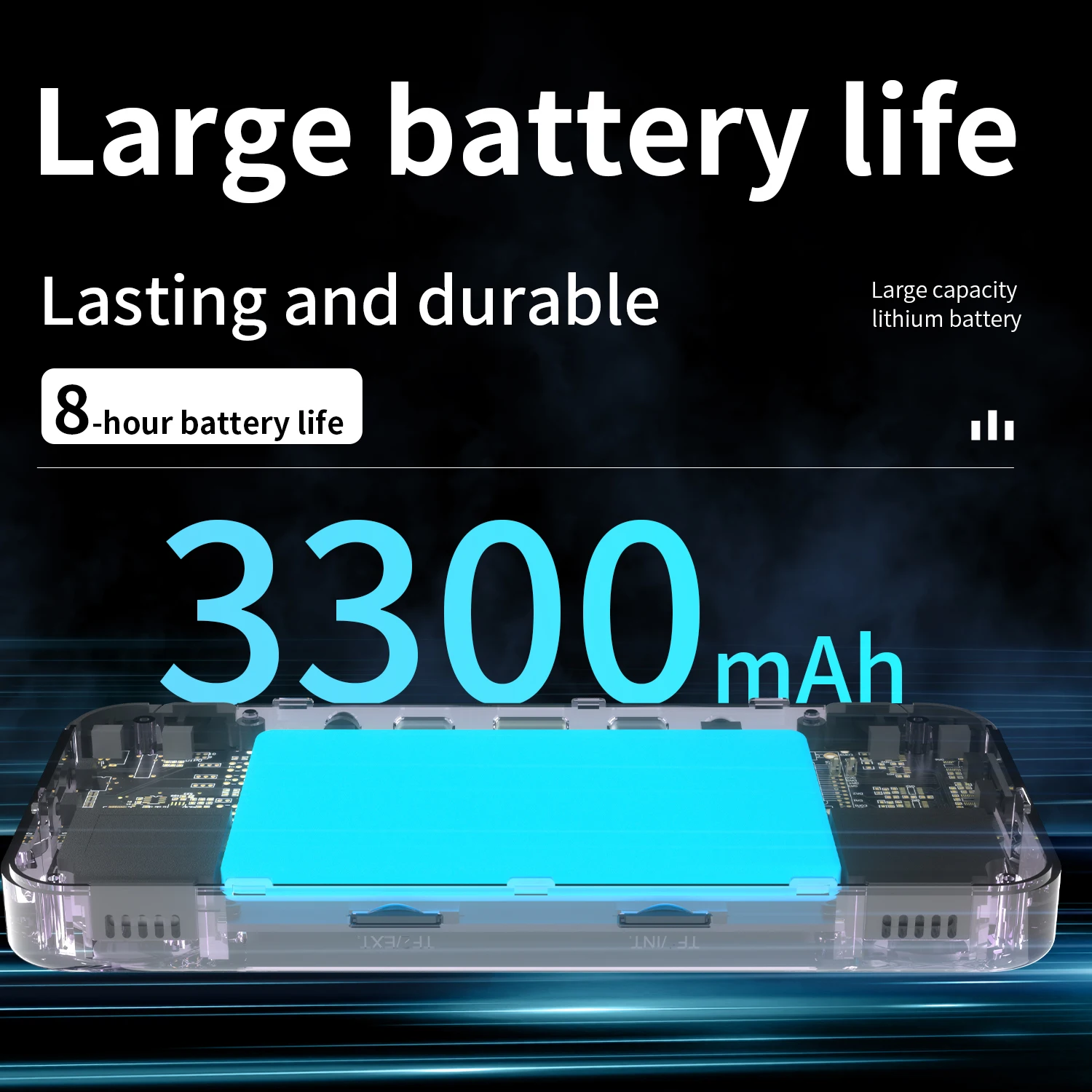
Game without interruption! The Retrobit™ H Model is powered by a long-lasting rechargeable battery that keeps you playing for up to 6 hours on a single charge.
bluetooth_connected
Bluetooth Compatibility
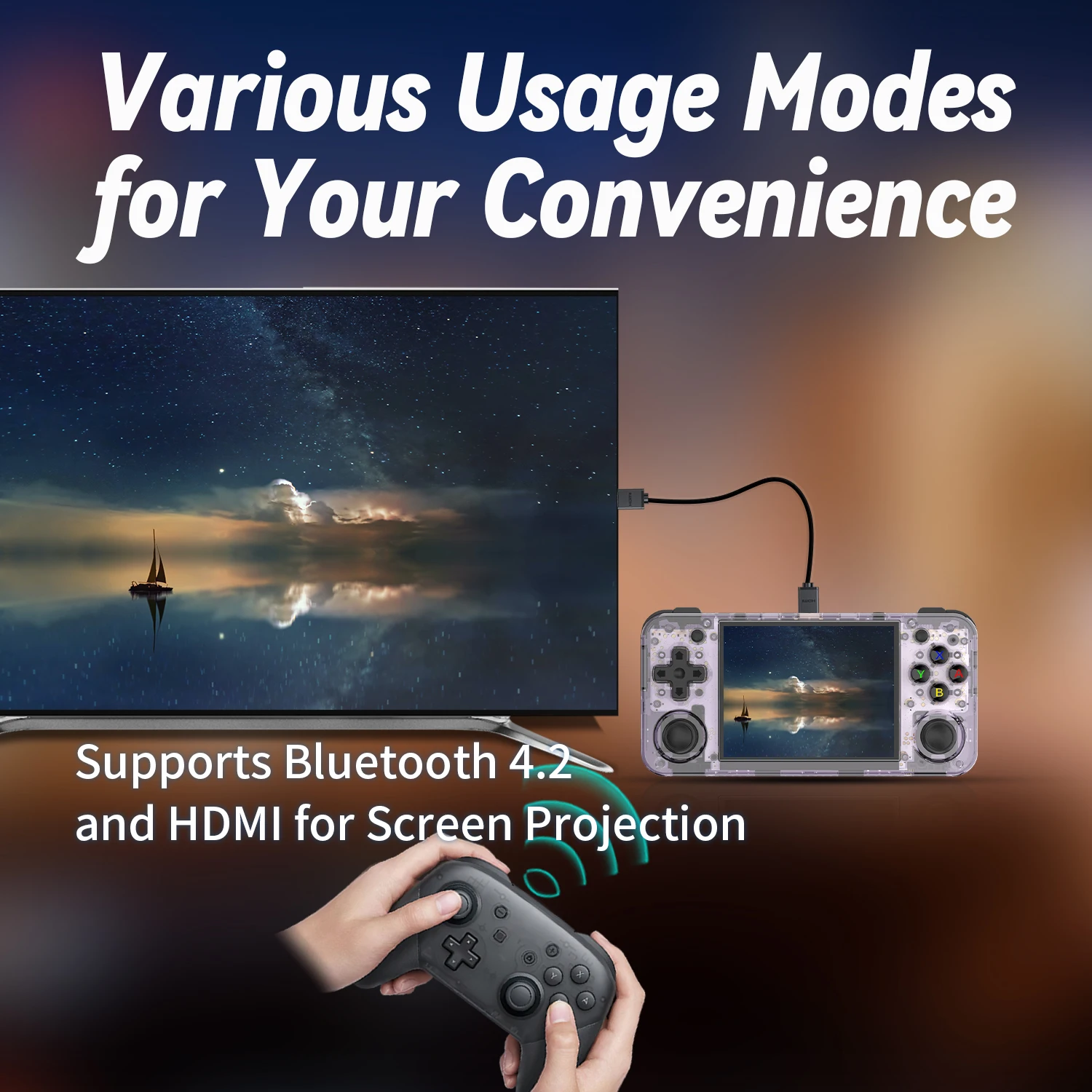
Go wireless! Pair Bluetooth controllers or headphones for a hassle-free gaming experience. Whether you're playing solo or with friends, enjoy the freedom of wireless connectivity.
settings_input_hdmi
TV-Ready with Micro HDMI
Take the action to the big screen! Use the Micro HDMI port to connect the Retrobit™ H Model to your TV or monitor and enjoy your games in stunning detail, making every pixel count.
Compatible Systems
Tech Specs and Features
Multiplayer Battles and Trades
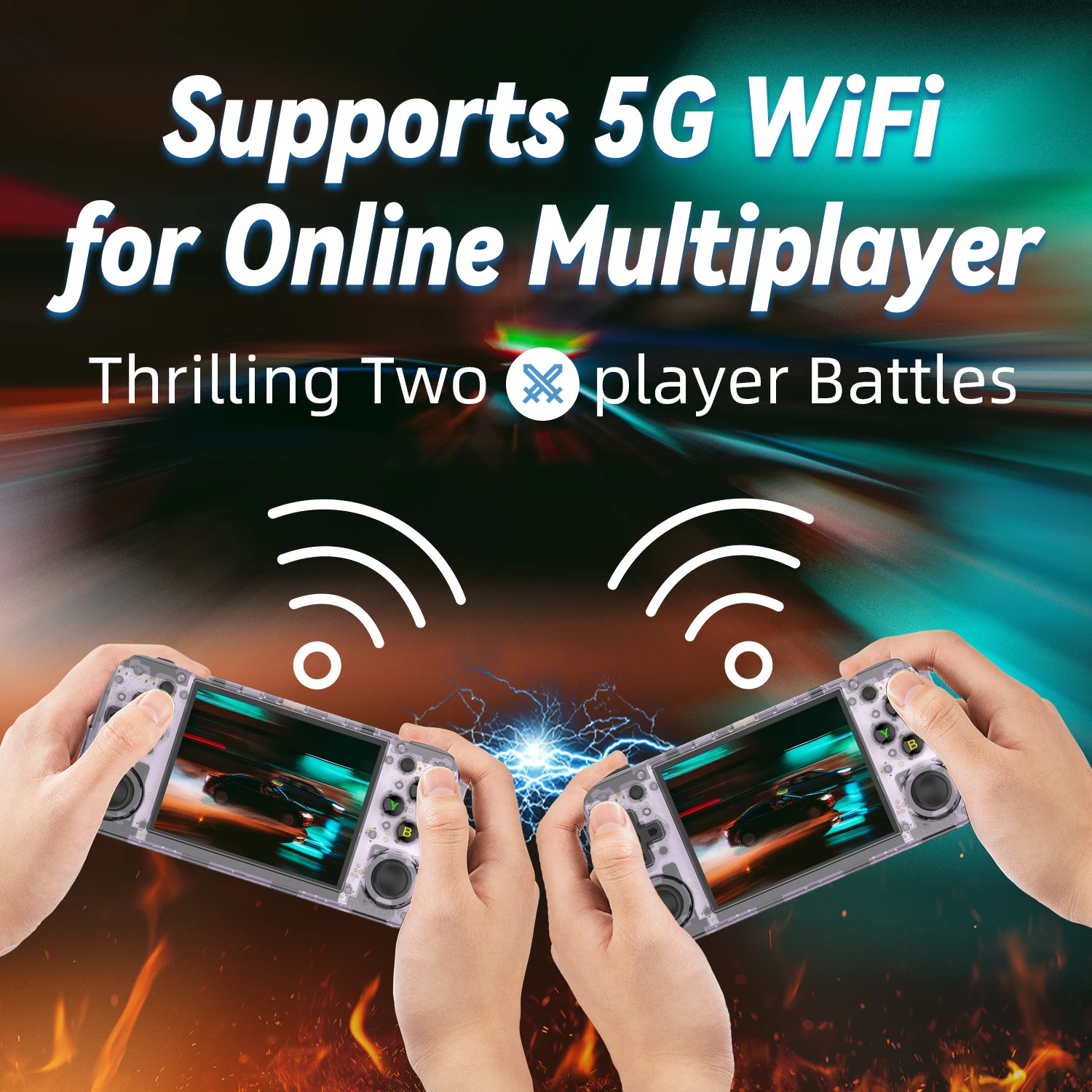
Relive the excitement of classic multiplayer gaming! The Retrobit™ H allows you to challenge friends, trade items, and battle through Wi-Fi, keeping the fun alive in competitive or cooperative play.
Easy Game Expansion
The fun never stops! Download ROMs online and add them to the Retrobit™ H Model via a microSD card. Create your ultimate retro gaming library and take your favorite titles anywhere.
Bluetooth Compatibility
Go wireless! Pair Bluetooth controllers or headphones for a hassle-free gaming experience. Whether you're playing solo or with friends, enjoy the freedom of wireless connectivity.
How to add Games and ROM Hacks
1️⃣ Remove the TF1 microSD card from your console.
2️⃣ Insert it into your computer or phone using a microSD adapter.
3️⃣ If you see a message asking to "Scan and Fix" the card, ignore it and close the window.
4️⃣ Copy your ROM files into the appropriate folders:
GBA games → Place them in the GBA folder
GBC games → Place them in the GBC folder
GB games → Place them in the GB folder
5️⃣ Safely eject the microSD card and insert it back into your TF1 slot.
6️⃣ Restart your console—your new games should appear in the system menu!
Customer Reviews
Testimonials
Description & Use
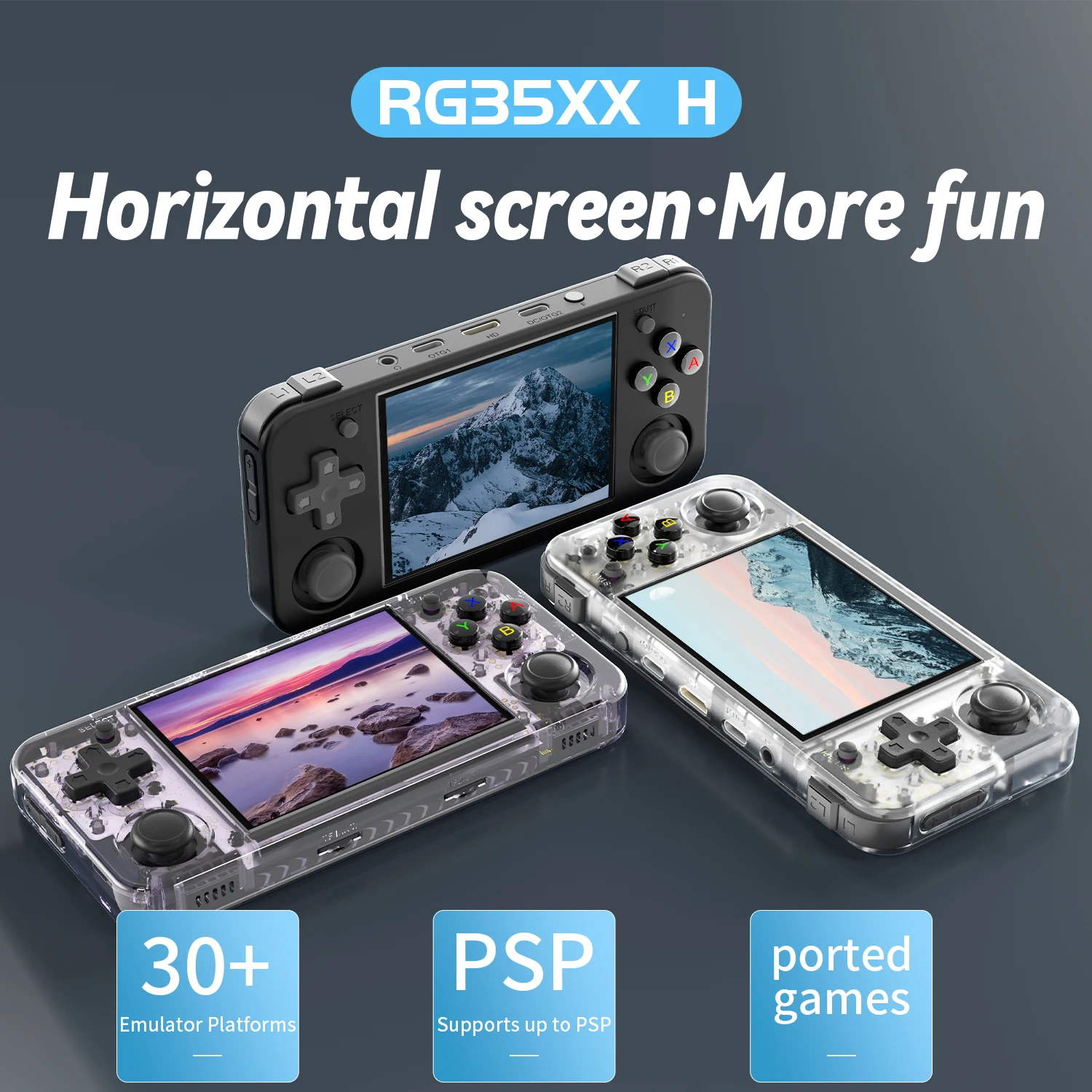
The Retrobit™ H model (Anbernic RG35XX-H) is a sleek and compact handheld gaming device designed for retro gaming enthusiasts. With its high-performance hardware, a vast library of classic games, and a premium display, this console offers an unparalleled retro gaming experience in a modern, portable package.
Supported Systems:
- Nintendo Entertainment System (NES)
- Super Nintendo Entertainment System (SNES)
- Game Boy
- Game Boy Color
- Game Boy Advance (GBA)
- Sega Genesis/Mega Drive
- Sega Master System
- Sega Game Gear
- Nintendo 64 (N64)
- Sony PlayStation 1 (PS1)
- Atari 2600
- Atari 7800
- Atari Lynx
- Neo Geo
- Neo Geo Pocket/Color
- PC Engine/TurboGrafx-16
- WonderSwan/Color
- Commodore 64
- MSX
- Amiga
- Arcade Systems (via MAME and FinalBurn Alpha)
The 256GB and 512GB versions of the Retrobit Elite 2.0 come with a separate microSD card instead of being pre-installed in the console due to new 2025 legal restrictions preventing certain games, like Pokémon and Mario, from being preloaded. However, all Retrobit consoles support adding games manually, and Tech Trove Innovations provides tutorials and customer support to help you set up your device.
Key Features
Key Features:
Extensive Game Library: The Retrobit Gaming Console™ H model comes pre-loaded with a wide array of classic games, spanning multiple generations and platforms. Dive into your favorite retro titles and discover hidden gems from the past.
High-Performance Hardware: Powered by a robust chipset, the H model delivers smooth gameplay and quick load times. Whether you're playing 8-bit classics or more demanding titles, the console handles it all with ease.
Vivid Display: The H model features a crisp, high-definition display that brings your retro games to life. The vibrant colors and sharp details make every game look its best, ensuring an immersive gaming experience.
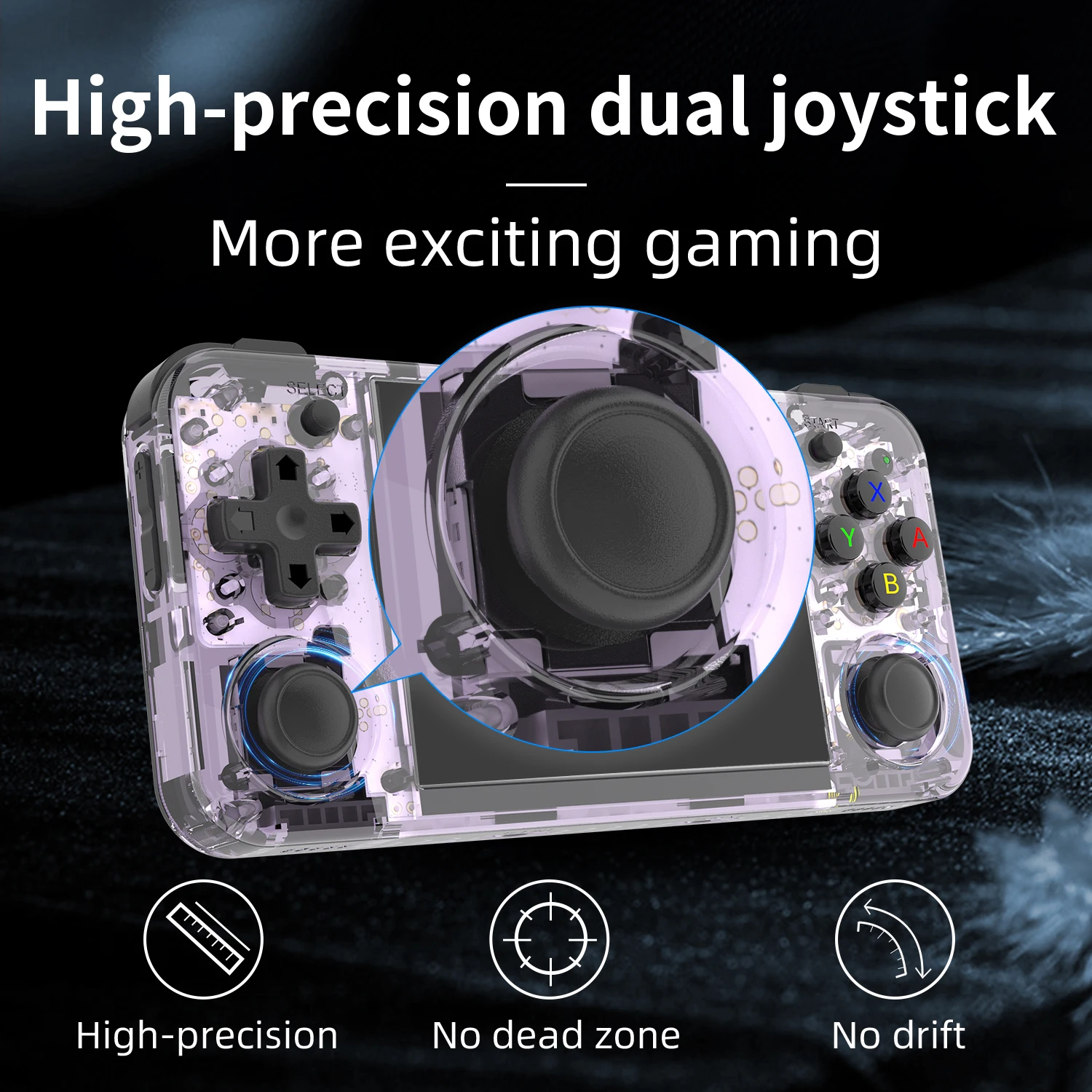
Portable and Ergonomic Design: With its compact size and ergonomic design, the Retrobit Gaming Console™ H model is easy to carry and comfortable to hold. The device is perfect for gaming on the go, fitting easily into your pocket or bag.
Customizable Gaming Experience: Tailor your gaming experience with various settings and options. From control configurations to display settings, the H model allows you to play your way.
Long Battery Life: Enjoy extended gaming sessions with the H model's long-lasting battery. A single charge provides hours of uninterrupted gameplay, making it the ideal companion for road trips, flights, or just a lazy day at home.
Tech Specs
Technical Specifications:
Screen: High-definition display for vibrant and clear visuals
Pre-Installed Games: Extensive library of classic games across multiple platforms
Processor: Efficient chipset for smooth and responsive gameplay
Battery: Long-lasting battery for hours of playtime
Connectivity: Standard charging and data ports for easy updates and game transfers
Size: Compact and portable design for gaming on the go
Audio: High-quality speakers for immersive sound
How to add games
1. To add games, take the micro SD card on the Retrobit Gaming Console™, and insert it into your computer, you will need a microSD card reader.
2. Do not format the card. A pop-up will appear that says, "There's a problem with this device, scan and fix it. " Ignore it, as if you reformat the card, you will need to replace the system.
3. You will need to copy your ROM files over to the SD card and put them into the appropriate folder that matches the system that the game belongs to. You can download ROM files online.
4. Once you have downloaded the ROMs you choose to add to your device, copy your ROM files to the SD card into the appropriate folder that matches the system to which the game belongs. In your case, you will select the ROMS folder GBA.
5. Safely eject the SD card and add it to your device. Remember to reset the device.
6. Afterwards, load the game.
r
How To Patch IPS and UPS files to play a ROM Hack
If you ever played a Gameboy Advance emulator, then chances are you will need ROMs. The ROMs will act as the cartridges, which are basically the games.
A Gameboy Advance ROM will have a .GBA file format. This means that only a GBA emulator can run this type of file, or there are some NDS emulators that can run it as well.
It is like an MP3 player can’t play an MP4 file, or at least only the audio will play, but you can’t see the video.
That is the same for Gameboy ROMs, but there are those that come in a .IPS or .UPS file format. However, the Retrobit Gaming Console™.
What you need to do is to know how to apply an IPS or UPS patch to these ROMs. What happens is that you need to do a step-by-step procedure to transform a .IPS or .UPS into a .GBA file.
What you need to do if you want to apply an IPS or UPS patch
The outcome that we want is to change the .IPS or .UPS into a .GBA. You can’t play the .IPS or .UPS files; hence patching the file is needed.
The process of patching means that we change or update the original content of the .GBA file to have the contents of the .IPS or .UPS files will be keeping the .GBA format.
In order for that to happen, we need a couple of things.
Things Needed for Patching a ROM hack
Patch file
ROM base
Patcher app
The first thing that you need would be the .IPS or .UPS patch file. You’ll need those because they are the games you want to play. With Pokemon games, the ROM hacks will change the game’s content.
The next thing you need is the base ROM or the ROM on which the hack was based. For example, a ROM hack Pokemon Gaia uses FireRed as its base game.
The third thing you’ll need is the patcher which is the app or program that you will use to apply an IPS or UPS patch. The gist of this is that we will patch an actual Pokemon ROM into a ROM hack or whatever the contents are inside the .IPS or .UPS file.
Finally, always make sure you have a separate copy of the original Pokemon game ROM because once the patch is finished, all the contents of that ROM will be changed and gone forever.
Why the patch would fail
There are several reasons, and the first one is that the .IPS or .UPS file from the start is unreliable. In short, it isn’t a good copy or it just wasn’t programmed correctly.
The second reason is that you’re not using the right base game. You’re probably using Pokemon FireRed as the base game but it actually needs Emerald.
Your copy of the base game isn’t reliable. There are ROMs out there and not just Pokemon that may have been corrupted or isn’t suited for patching the .IPS or .UPS format.
The patcher is not good and unreliable. Don’t worry, we’ll be including reliable patchers in the step by step procedures.
How to Patch a .IPS file using Lunar IPS (Works for Windows PC’s)
In this procedure, we will guide you on how to apply a .IPS patch. The patcher we will use is Lunar IPS. This patcher will only work on .IPS formats. We will also use the Rocket Edition Final v1 as our .IPS file which we will patch with FireRed as the base game.
Step 1
Download the Lunar IPS patcher.
Step 2
Launch the Lunar IPS and click on Apply IPS Patch.
Step 3
Choose the .IPS file you want to patch which in this case is Rocket Edition Final v1.
Step 4
You will then click on the base game which is FireRed in this case.
Step 5
The patch will automatically happen which is usually a couple of seconds.
Step 6
This one is optional but you can rename the newly patched FireRed ROM to Rocket Edition Final v1 or whatever you want.
Step 7
Launch the GBA emulator, and if the ROM loads properly and it isn’t FireRed but Rocket Edition that comes out, then you did everything correctly.
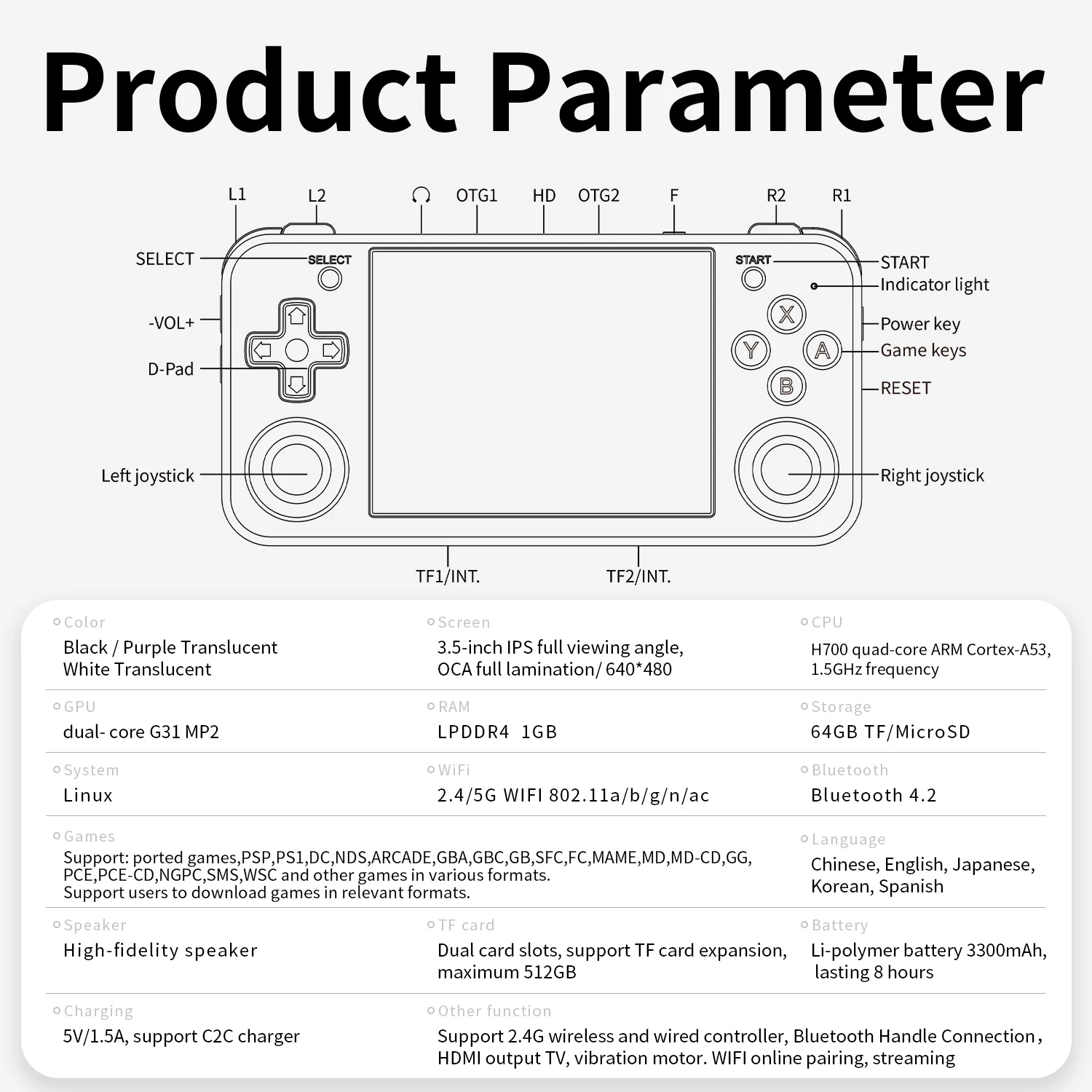
Specification:
| Color | Black / Purple Translucent / White Translucent | |||
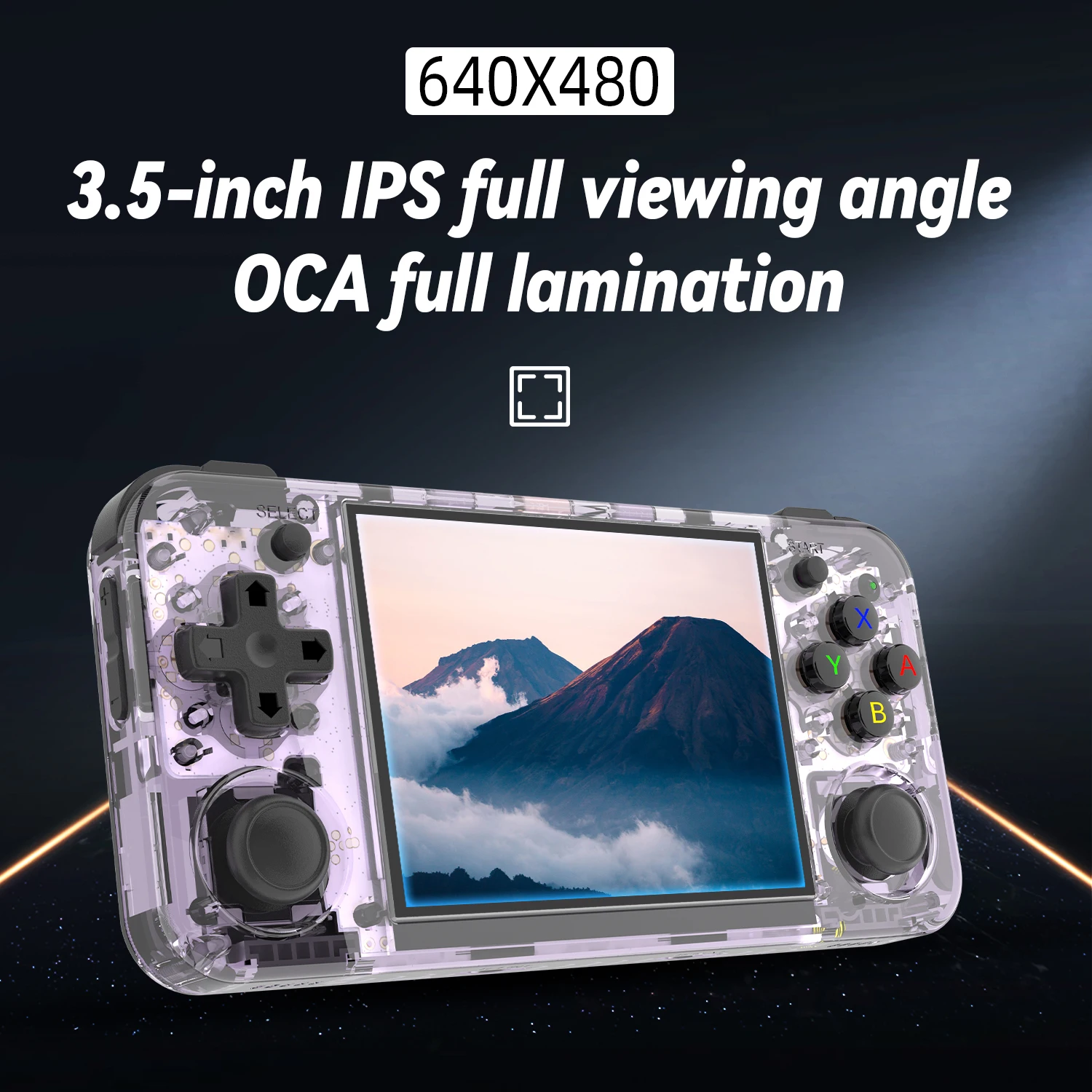
| Screen | 3.5-inch IPS full viewing angle, OCA full lamination/ 640*480 | |||
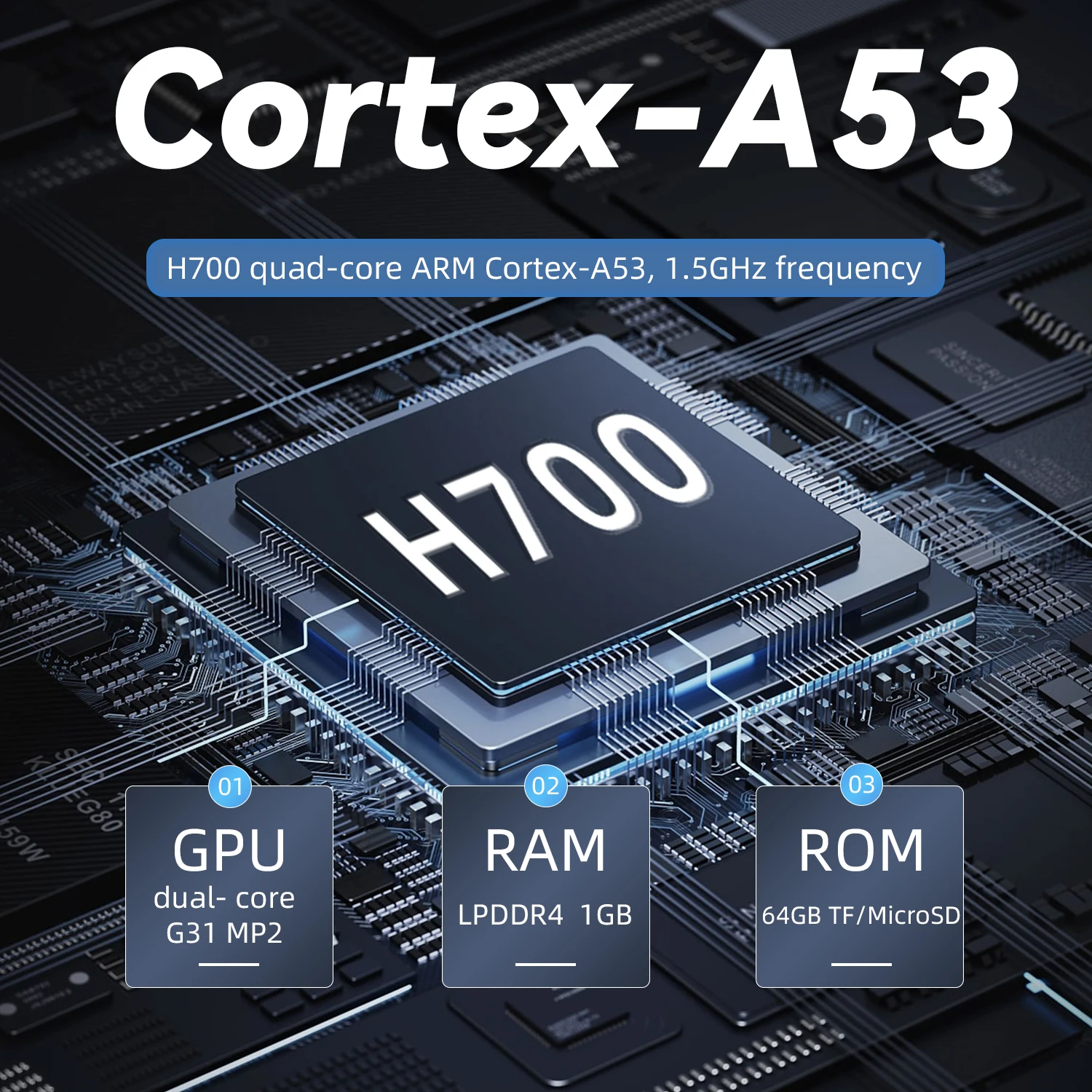
| CPU | H700 quad-core ARM Cortex-A53, 1.5GHz frequency | |||
| GPU | dual- core G31 MP2 | |||
| RAM | LPDDR4 1GB | |||
| Storage | 64GB TF/MicroSD | |||
| System | Linux | |||
| WIFI/Bluetooth | 2.4/5G WIFI 802.11a/b/g/n/ac,Bluetooth 4.2 | |||
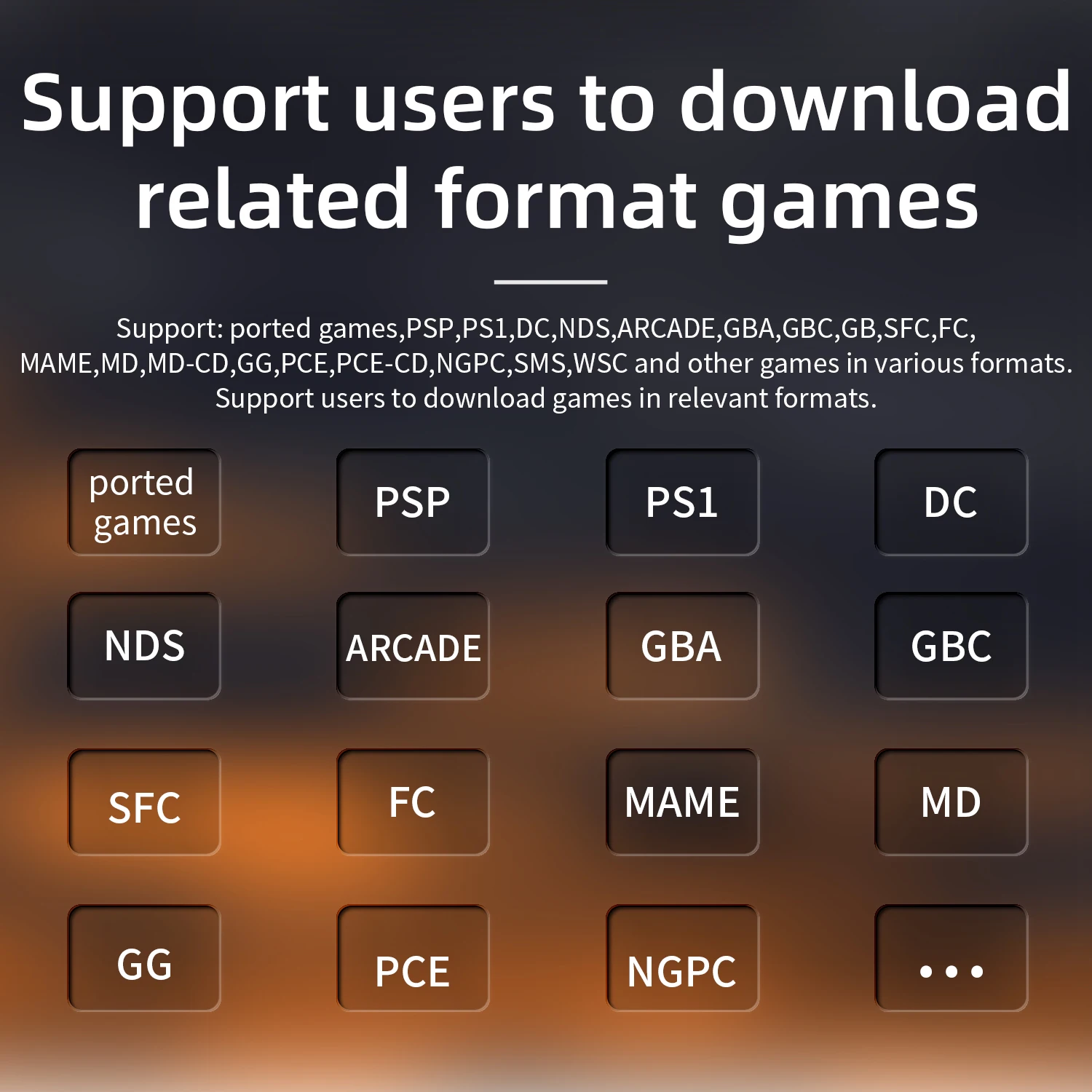
| Games | Support: ported games,PSP,PS1,DC,NDS,ARCADE,GBA,GBC,GB,SFC,FC,MAME,MD,MD-CD,GG, PCE,PCE-CD,NGPC,SMS,WSC and other games in various formats. Support users to download games in relevant formats. |
|||
| Language | Chinese, English, Japanese, Korean, Spanish | |||
| Speaker | High-fidelity speaker | |||
| TF card | Dual card slots, support TF card expansion, maximum 512GB | |||
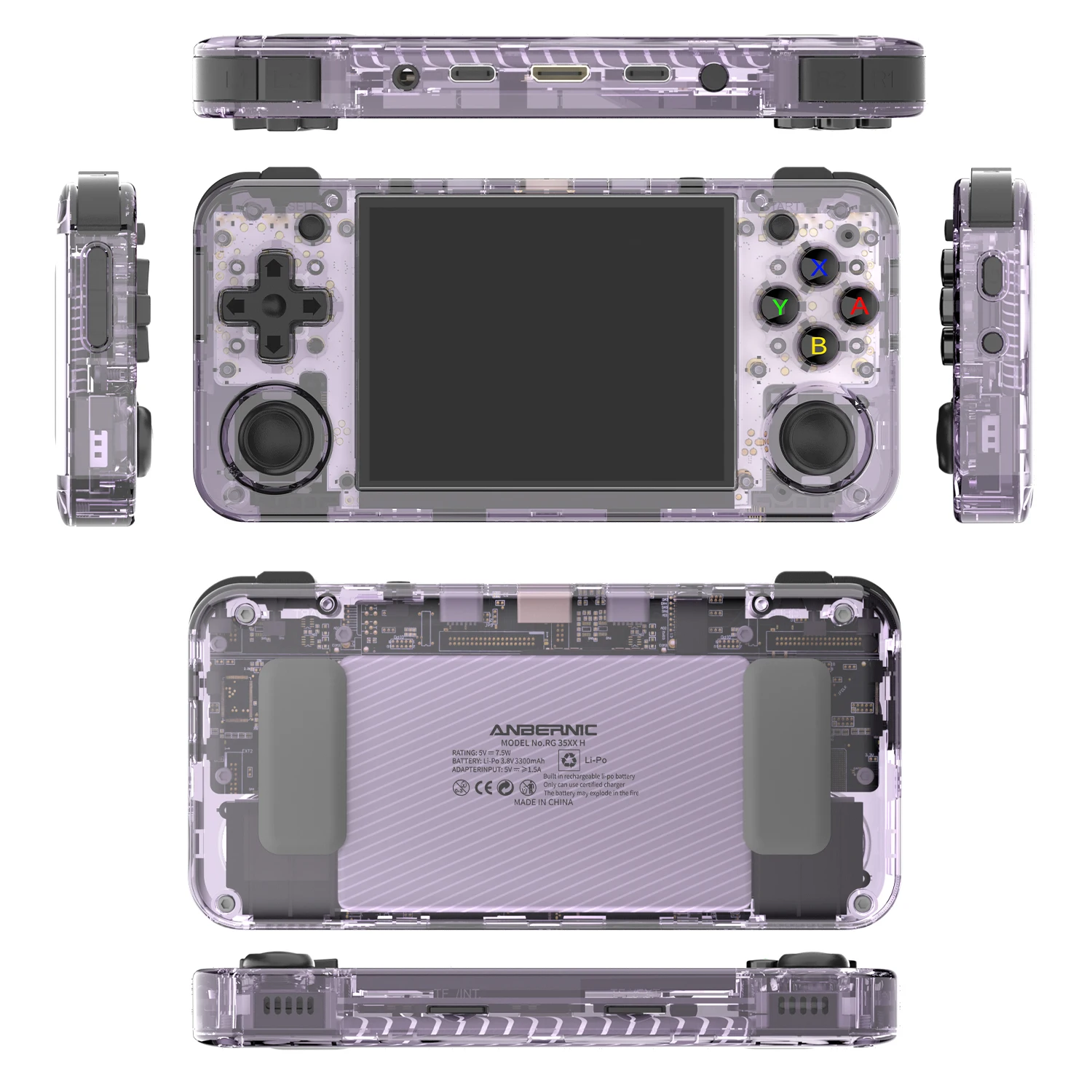
| Battery | Li-polymer battery 3300mAh, lasting 8 hours | |||
| Charging | 5V/1.5A, support C2C charger | |||
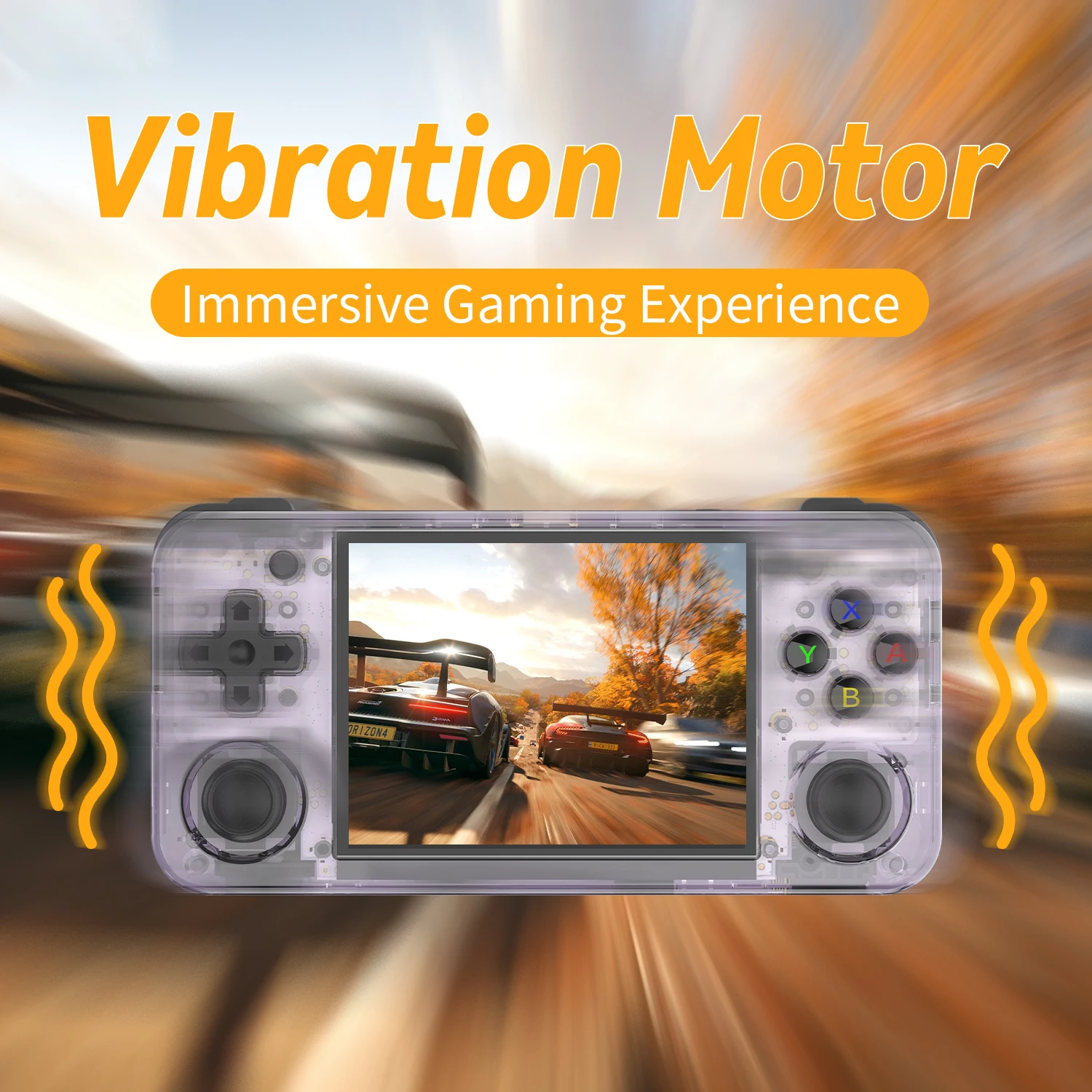
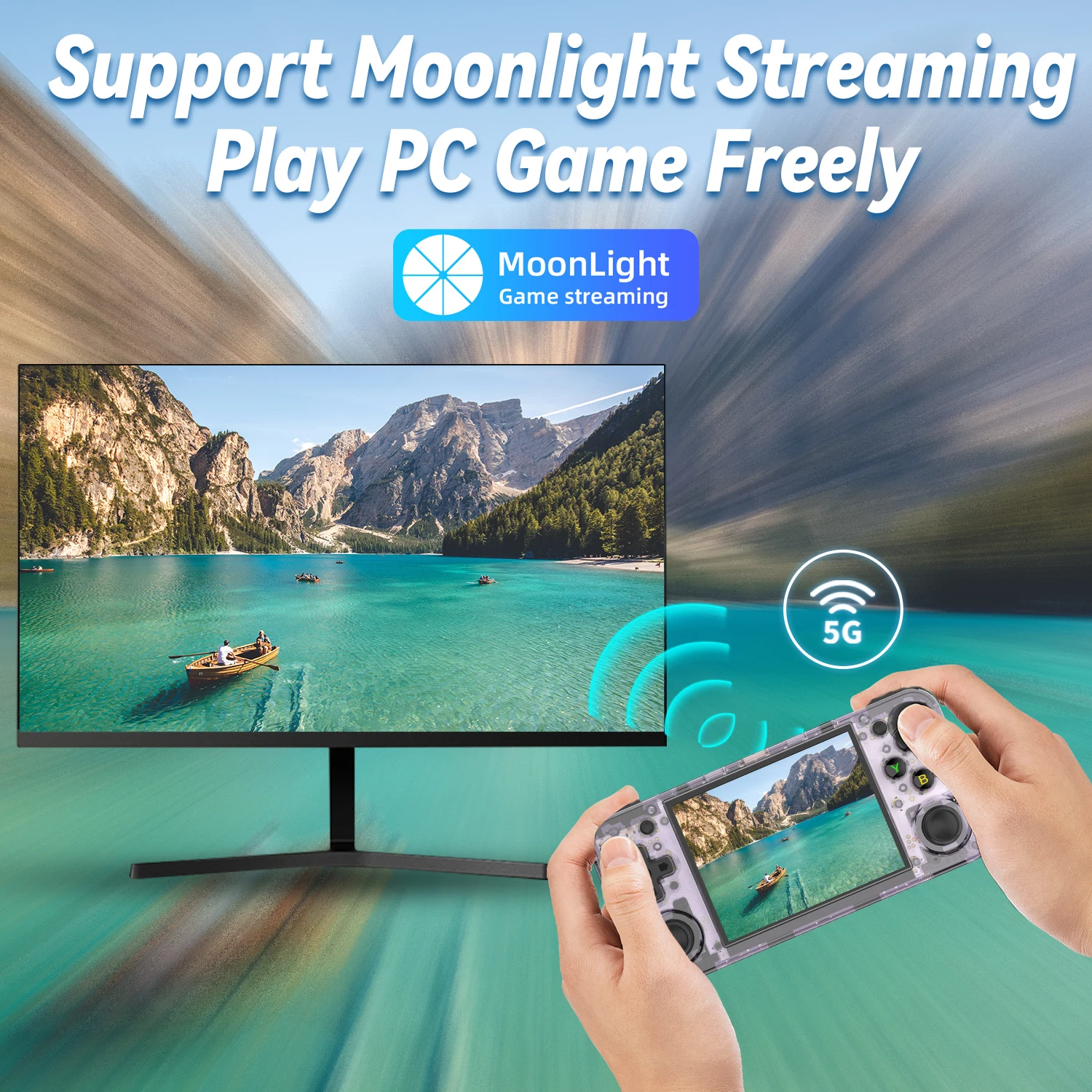
| Other function | Support 2.4G wireless and wired controller, Bluetooth Handle Connection,HDMI output TV, vibration motor. WIFI online pairing, streaming |
|||
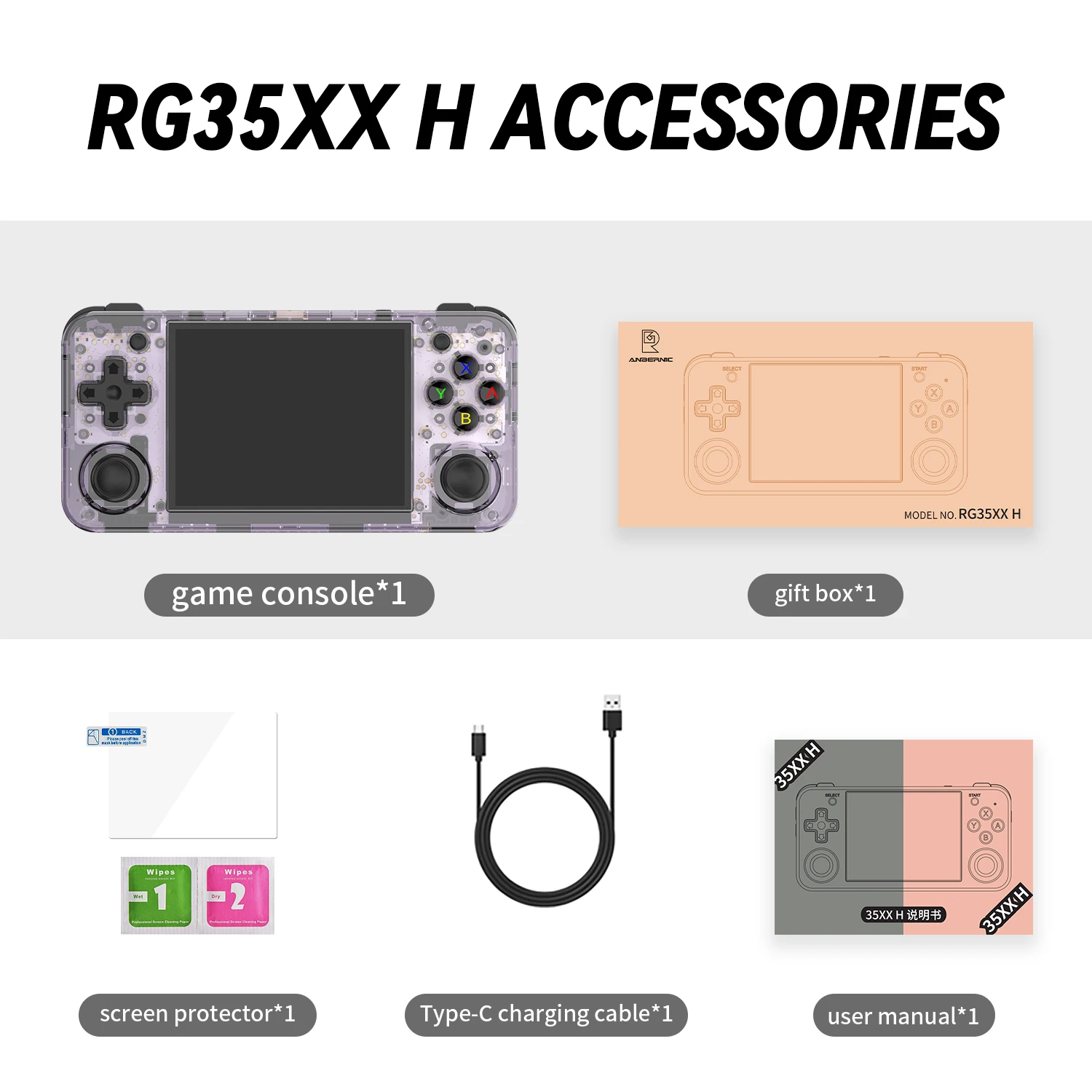
Packing List:
- RG35XX H Game Console x1
- USB Charging Cable x1
- Packing Box x1
- User Manual x1
- Alcohol Pad x1
- Screen Protector x1
Product Image:
Shipping
Return & Warranty
Share:
Everything Your Pets Need, All in One Place
Taking care of your pet starts with proper nutrition. Providing a balanced, nutritious diet is essential for keeping them healthy and full of energy. Each pet has unique dietary needs. For instance, cats are obligate carnivores and thrive on a protein-rich diet, while rabbits require a fiber-packed menu. It's crucial to research and consult your veterinarian to ensure your pet gets the right food in the right amounts.
Exercise is another key part of pet care. Like humans, pets need regular physical activity to stay fit, maintain a healthy weight, and keep boredom at bay.


Pet Care
Because We Care for Your Pets as Much as You Do—Maybe Even More!
Grooming is an essential part of keeping your pet happy and healthy. Regular brushing and bathing help maintain a shiny, tangle-free coat, while nail trims prevent discomfort and reduce the risk of injury.

Quality Products
Making Tails Wag and Pets Boast About Their Favorites!
Exercise plays a big role in your pet’s well-being. Dogs thrive on daily walks or runs, while cats enjoy interactive toys or scaling a cat tree. Even small pets like rabbits and guinea pigs benefit from having enough space to explore and play.

Treats
Let Your Pet Pick Their Favorite from Our Wide Selection!
Every pet has unique dietary needs. Cats, being obligate carnivores, require protein-rich diets, while rabbits need fiber-packed meals. Consulting your veterinarian and doing proper research ensures your pet gets the right nutrition tailored to them.
